
Most AI tools are open-ended by design. You ask a question, the AI draws on everything it has ever been trained on, and you get an answer that may or may not be grounded in anything relevant to your actual work. That’s useful for a lot of things. It’s not always what you need.
NotebookLM, a tool from Google, works differently. You upload your own files, provide links to websites, or paste in text, and the AI works only from those. It won’t pull in outside sources, hallucinate citations from cases it half-remembers, or wander off into general commentary. The boundaries of the project are the boundaries you set.
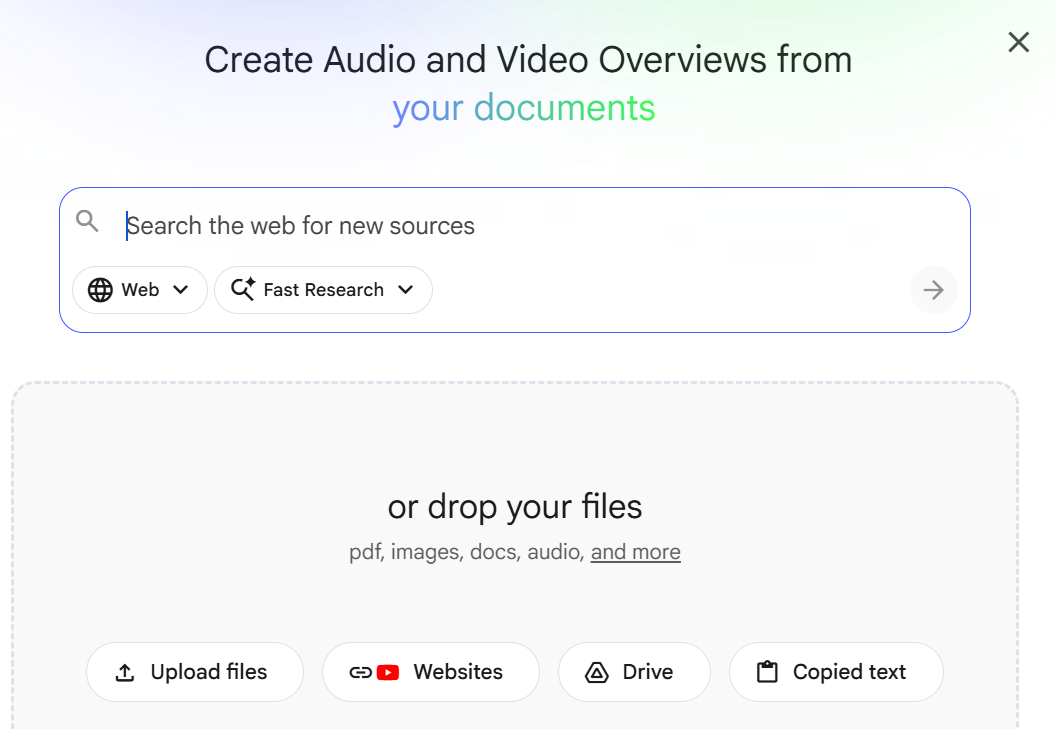
I recently used NotebookLM to write an ethics opinion for the Pennsylvania Bar Association. I uploaded the relevant ethics rules and a collection of prior opinions, then uploaded my own draft. My goal was simple: I wanted to make sure I hadn’t missed anything. Had I addressed the right rules? Were there prior opinions that cut against my analysis? Was there a gap in my reasoning I hadn’t caught?
NotebookLM let me interrogate my own draft against the source material I had chosen. I could ask whether a specific rule was addressed, where my analysis aligned with prior opinions, and where it didn’t. I also anonymized the question and was able to ask whether I had addressed everything the original inquirer had raised. Because the tool was working only from what I uploaded, the answers were grounded in that specific body of material, not in some general notion of legal ethics scraped from the internet.
Limiting the Resources for Greater Control (and Less Risk)
Limiting the resources matters for a variety of reasons. First ethics rules vary by jurisdiction. A prior opinion from another state may be persuasive or completely inapplicable. When I am doing jurisdiction-specific analysis, I don’t want an AI reaching outside my materials to fill gaps with sources I never vetted. For this particular opinion, there was no reason to go outside the Pennsylvania Bar Association’s Ethics Committee, since its opinions addressed the issues I was exploring. Second, while hallucinations always remain possible in a generative AI tool, the chances of hallucinations substantially decrease when I am identifying the only sources the tool may use in its analysis.
NotebookLM is Easy to Work With
Setting up a notebook is straightforward. You create a project, upload your documents, and start asking questions. NotebookLM accepts PDFs, Google Docs, and text files, among other formats. It also accepts links to other websites, allowing vetted sites to serve as additional resources. When NotebookLM provides an answer, it also includes clickable links to the appropriate source from which it took the answer. This makes verification easy.
Practical Notes
A few practical notes: the tool has a source limit per notebook, so for large document collections you may need to be selective. It also works best when your source material is clean and well-organized. Upload a poorly scanned PDF and the output will reflect that. Free accounts have a limit of around 50 sources per notebook; paid plans offer more.
In addition, lawyers, doctors and other professionals with confidentiality concerns, should make certain they check the privacy policy and terms of service before they upload anything. I worked with the free version of NotebookLM, but I redacted any information that was confidential from the original questions, and the resulting opinion did not contain any confidential information. If you want to explore using Google’s AI tools and you have confidentiality concerns, you will want to look into Google Workspace and the additional protections it offers. However, it is still critical that you check the privacy policy and terms of service so you can be certain you are protecting your clients or patients.
If you have a project where the AI needs to stay inside a defined set of materials, NotebookLM is worth your time.